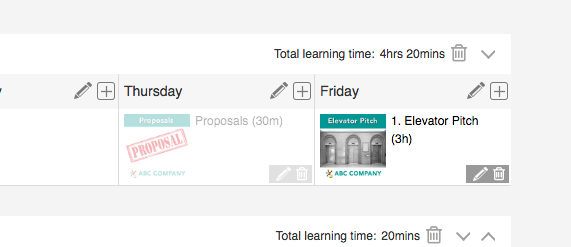
You can now add an existing certification to a Learning Path.
Step 1: Select your learning path.
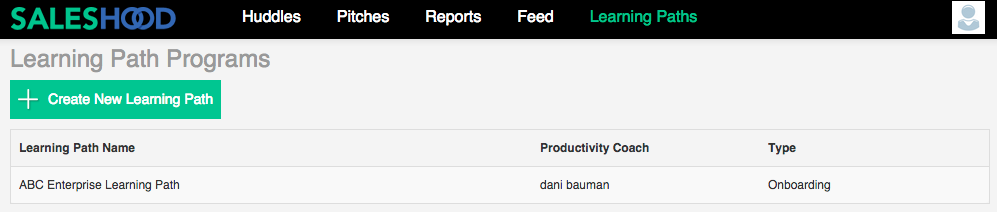
Step 2: Select "Schedule" from your learning path menu.

Step 3: Select the day in which you would like to add the existing certification, then click on the "+" sign.

Step 4: Select "Certification".

Step 5: Select "Existing Certification"
Step 6: Search for the desired existing certification
Step 7: Select the existing certification

Step 8: Existing certification should now be visible and assigned to your learning path.